

CroSkylink
Croskylink CS-WG3526 4G Openwrt Wireless LTE WiFi Router Industrial Grade 4G SIM Card Router Full Network Dual Band 880MHz Process
Croskylink CS-WG3526 4G Openwrt Wireless LTE WiFi Router Industrial Grade 4G SIM Card Router Full Network Dual Band 880MHz Process
Couldn't load pickup availability
Main features of the product:
- Adopting MT7621A solution, MIPS dual core CPU, with a clock speed of up to 880MHz
- Using independent WIFI chips, 2.4G is MT7603EN, 5.8G is MT7612E
- 2.4G speed up to 300Mbps, 5.8G speed up to 867Mbps
- Equipped with high-speed 512MB DDR3 and 16MB Nor Flash
- 1WAN, 4LAN all 1000M adaptive network ports, supporting automatic flipping (Auto MDI/MDIX)
- Supports USB 3.0 and TF card storage interfaces, which can be used to expand SMABA or FTP network storage capabilities
- Support "one click flashing mode", that is, long press the reset button to enter the rescue flashing mode
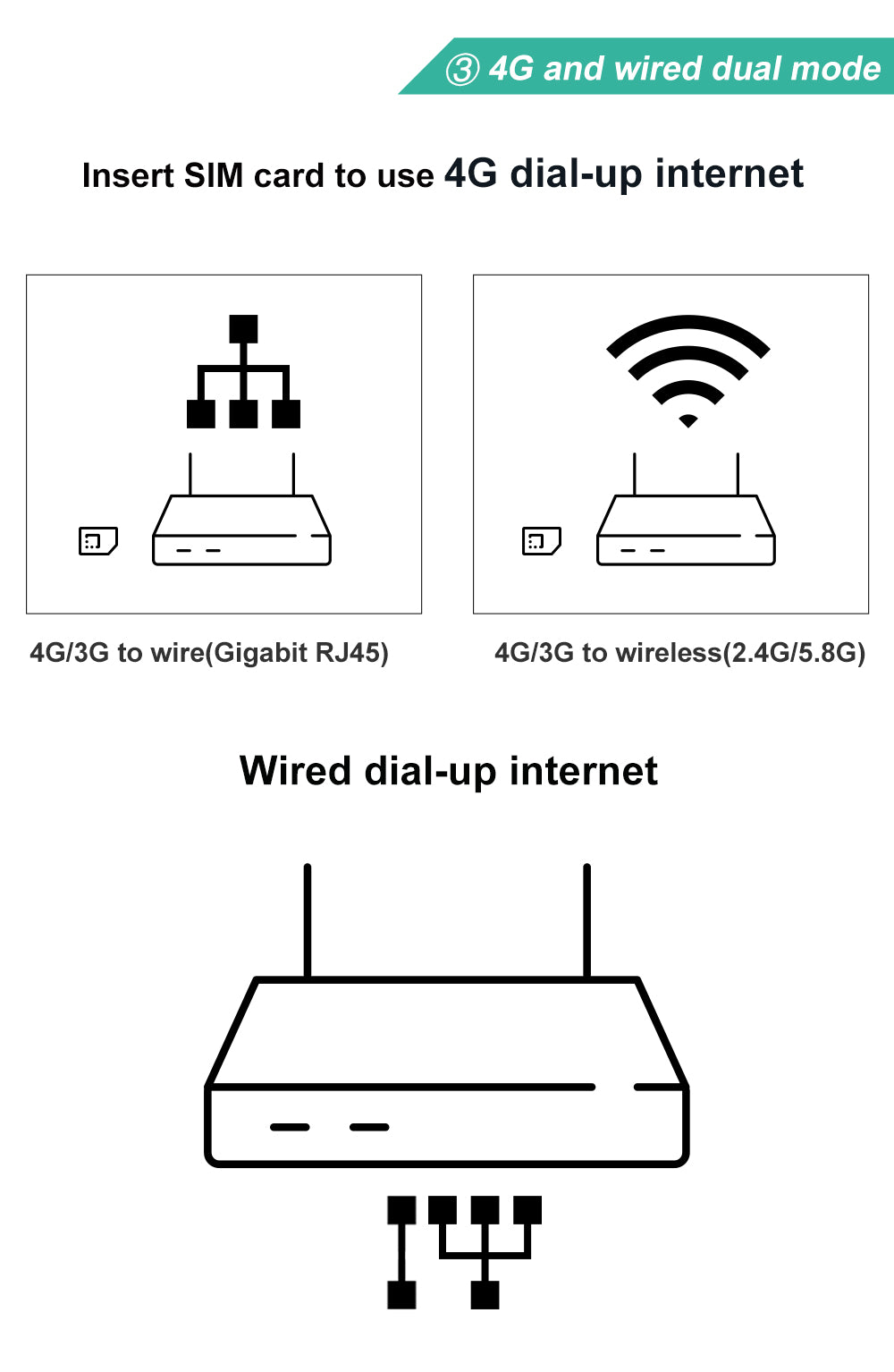
- Built in mini PCIe standard interface, can be used to connect 4G mobile communication modules
- External standard SIM card (large card) interface, supporting SIM/USIM cards
Parameter
Category |
Item |
Specification Details |
|
Hardware Specifications |
Hardware Specs |
MT7621A / Dual core / 880MHzDDR3 512MBNor Flash 16MB |
|
|
Protocol Standard |
IEEE 802.11n/g/b |
|
|
Wireless Rate |
Up to 300Mbps for 2.4GHz, up to 867Mbps for 5.8GHz |
|
|
Operating Frequency Band |
2.4GHz and 5.8GHz |
|
|
Antennas |
2 omnidirectional 5dBi 2.4G antennas / 2 omnidirectional 5dBi 5.8G antennas / 2 omnidirectional 5dBi 4G cellular communication antennas |
|
|
Interfaces |
1. 1×1000Mbps WAN port, 4×1000Mbps LAN ports with Auto MDI/MDIX 2. 1×USB3.0 port 3. 1×Standard TF card slot 4. 1×Standard full-size SIM card slot, supports SIM/USIM 5. DC5.0*2.1mm power jack 6. 1×Reset button 7. Built-in mini-PCIe slot with USB2.0 bus support |
|
|
LED Indicators |
LAN1 LED: Steady on after cable connection, flashes during data transmission (1st row, 1st light)LAN2 LED: Steady on after cable connection, flashes during data transmission (1st row, 2nd light)LAN3 LED: Steady on after cable connection, flashes during data transmission (1st row, 3rd light)LAN4 LED: Steady on after cable connection, flashes during data transmission (1st row, 4th light)WAN LED: Steady on after cable connection, flashes during data transmission (1st row, 5th light)Power LED: Steady on when powered on, off under power failure or no power input (2nd row, 1st light)SYS LED: Steady on after system boot-up, off when system fault or fails to boot (2nd row, 2nd light) |
|
|
Power Adapter |
12V/2A, 1 piece |
|
|
Housing Dimension |
LWH=236mm*166mm*23mm |
|
|
Accessories & Packaging |
User Manual ×1 SIM card holder ×1 Mounting ears ×2 Screw & rubber pad set ×4 Antennas: 2.4G 5dBi detachable black antennas ×2 4G 5dBi detachable black antennas ×2 / 5.8G 5dBi detachable black antennas ×2 |
|
Software Specifications |
Factory Default Settings |
Default IP: 192.168.1.1Username/Password: root/admin |
|
|
WAN Access Modes |
PPPoE, Dynamic IP, Static IP |
|
|
Security Settings |
Wireless encryption, supports WPA, WPA2 encryption modes |
|
|
Other Practical Functions |
Configuration file import & exportWeb-based firmware upgrade |
|
|
Bandwidth Control |
Supported |
|
|
Supported System |
Original SDK, OpenWRT |
|
Other Specifications |
Operating Environment |
Operating Temperature: 0℃ ~ 40℃ Storage Temperature: -40℃ ~ 70℃ Operating Humidity: 10% ~ 90% RH, non-condensing Storage Humidity: 5% ~ 90% RH, non-condensing |
Materials
Materials
Shipping & Returns
Shipping & Returns
Dimensions
Dimensions
Care Instructions
Care Instructions